More Bass
Consumer voicing can exaggerate low end, making kick and bass decisions harder to trust.
Personal headphone calibration
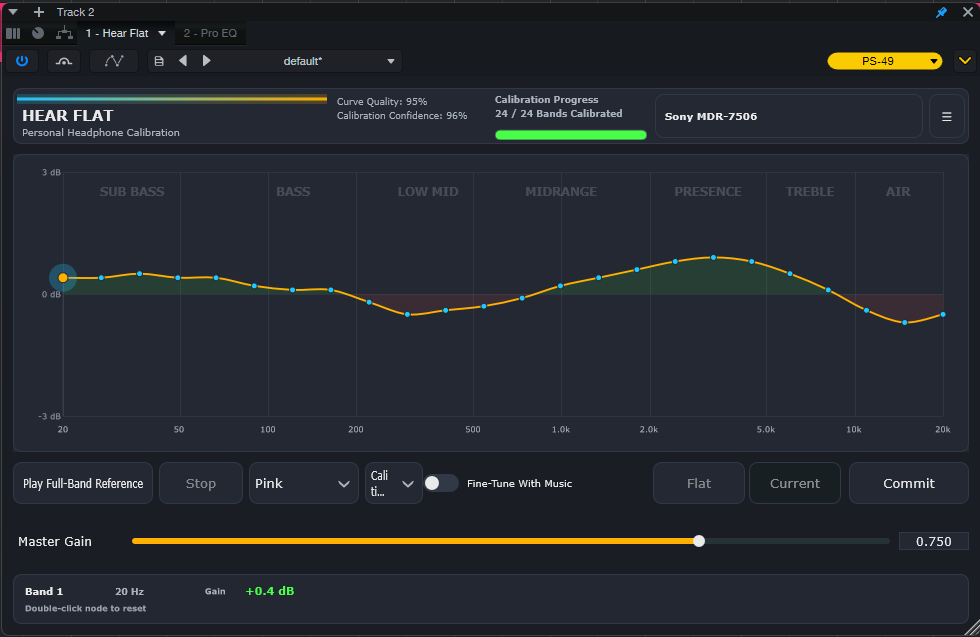
Hear Flat helps producers, mixers, and engineers create a personal headphone correction curve by ear, without expensive measurement microphones or complicated setup.
Why Hear Flat
Consumer voicing can exaggerate low end, making kick and bass decisions harder to trust.
Boosted treble can hide harshness, dull vocals, and mix problems that appear elsewhere.
Exciting playback is useful for listening, but it can distort your judgment while mixing.
Hear Flat helps reveal those imbalances so your mixes translate more consistently.
Calibration
Use pink or white noise and match loudness across 24 frequency bands.
No microphones. No calibration rigs. No complicated setup.
Drag nodes directly on the graph and hear adjustments instantly.
Fine Tune With Music
Calibration gets you close. Fine Tune gets you comfortable. Switch between Flat and Current while listening to familiar music and make small refinements that suit your ears and workflow.
Included Tutorial
The Hear Flat tutorial turns the first session into a clear step-by-step process: set your reference, shape the curve, fine-tune with music, and save a profile you can trust.
Open The Full TutorialUse the built-in calibration noise to identify where your headphones feel exaggerated or recessed.
Move through the 24 bands methodically so the correction is smooth, controlled, and easy to repeat.
Switch to familiar tracks, compare Flat vs Current, and make the small final moves that matter.
The installer places the editable HearFlat Tutorial DOCX locally with the manual, readme, and license files.
Confidence System
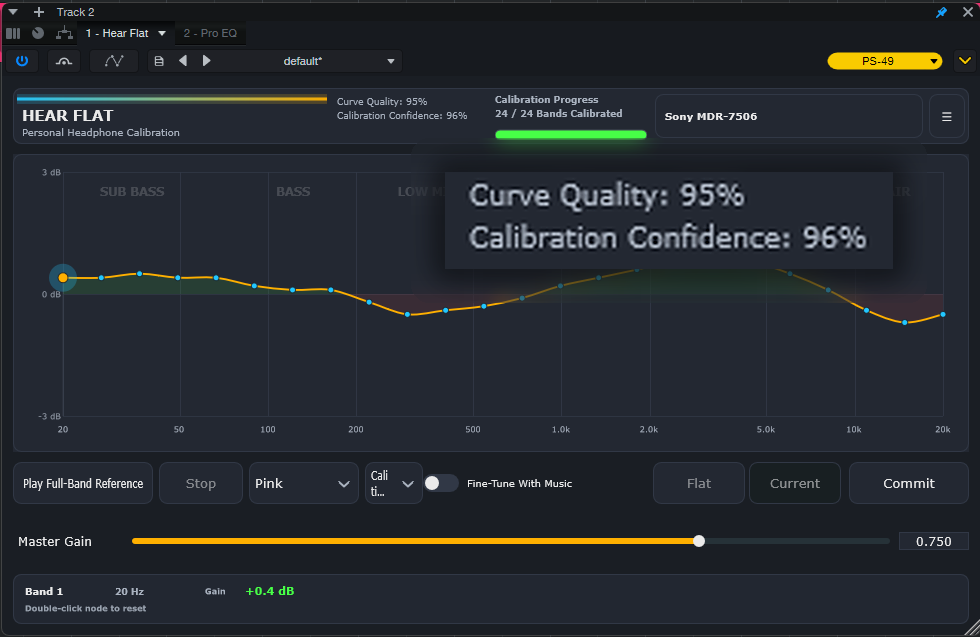
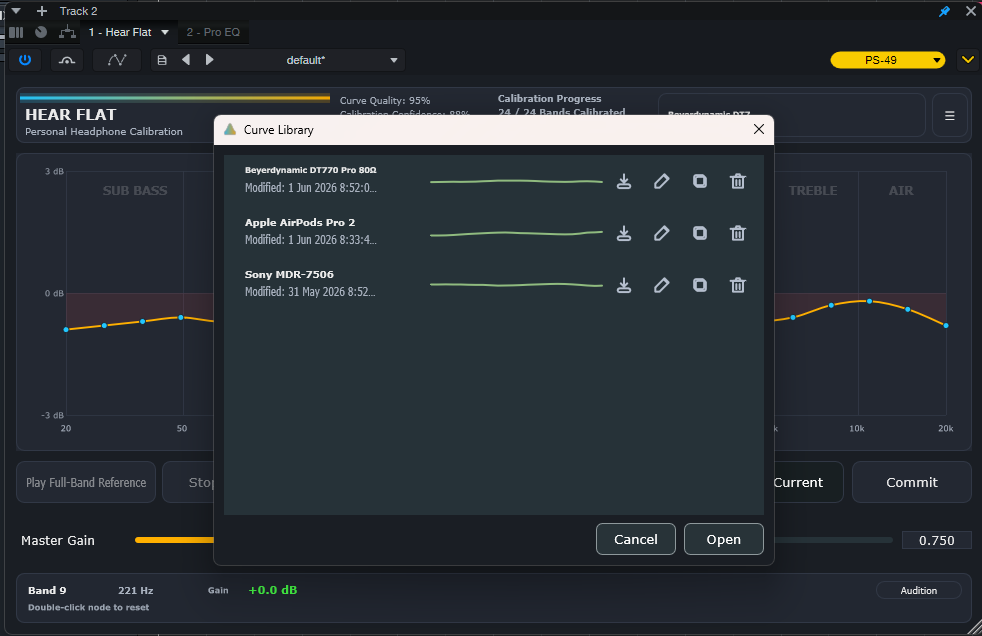
Curve Quality measures how smooth and balanced your correction curve is. Calibration Confidence measures how thoroughly you have verified your results through refinement, revisits, and listening tests.
Curve Library
Save, organize, duplicate, export, and compare multiple headphone calibration profiles.
Export Anywhere
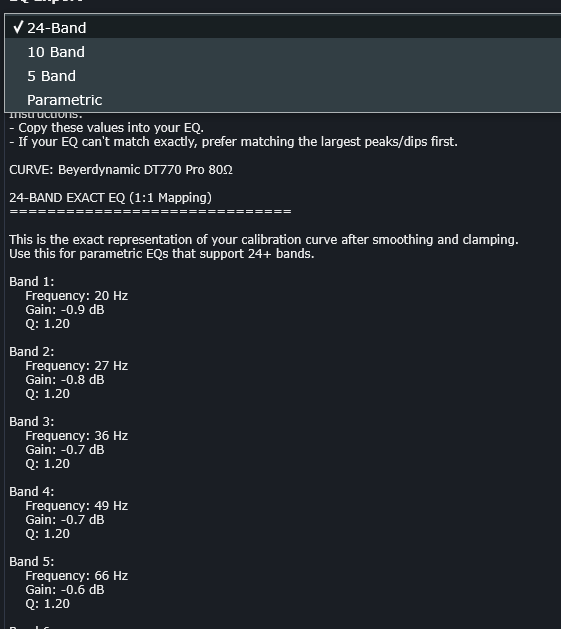
Export your Hear Flat correction curve and recreate it in your favorite EQ.
Exact Hear Flat translation
ISO-style approximation
Stock EQ compatible
Advanced EQ workflow
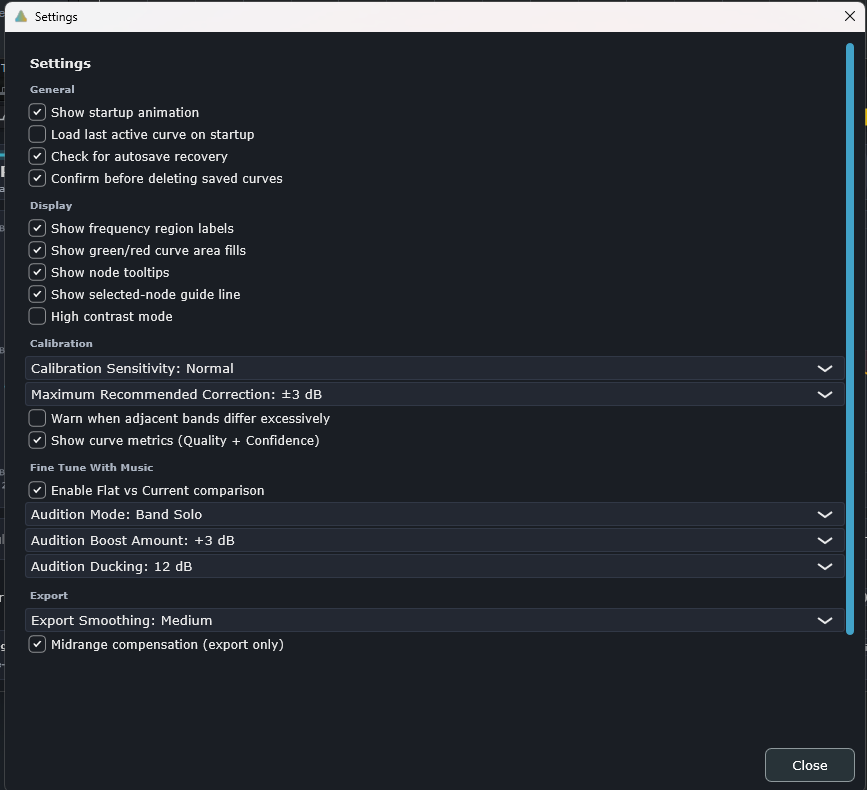
Settings
Prevent extreme adjustments.
Protect your work.
Customize audition behavior.
Optimize exported EQ curves.
Who It's For
Get more reliable mixes from affordable headphones.
Create more balanced audio for videos and streaming.
Learn your headphones and make better decisions.
Beta Access
Download the free version, request PRO access, and tell us what headphones you use. Strong beta feedback helps shape the next wave of Hear Flat testing.
Pricing
Open the Hear Flat checkout page for secure Stripe payment and automatic license delivery.
Go To CheckoutDownload
Download the Windows installer and create your first headphone calibration in minutes.
Manual install: download the VST3 ZIP.